Internet & Network
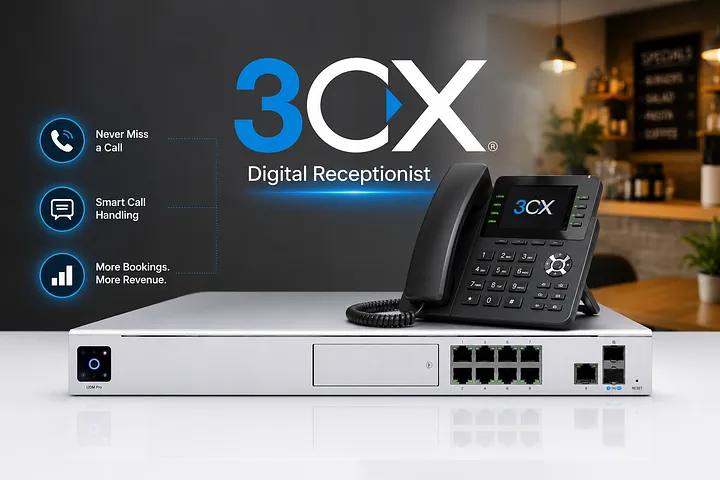
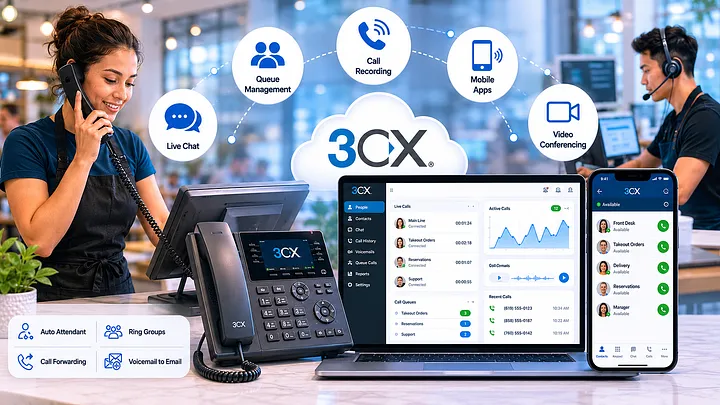
8 3CX Features Most San Diego Restaurants Don't Use — But Should
SMS, WhatsApp, AI transcription, call recording — all in your 3CX license. MKR Systems activates these for San Diego ...
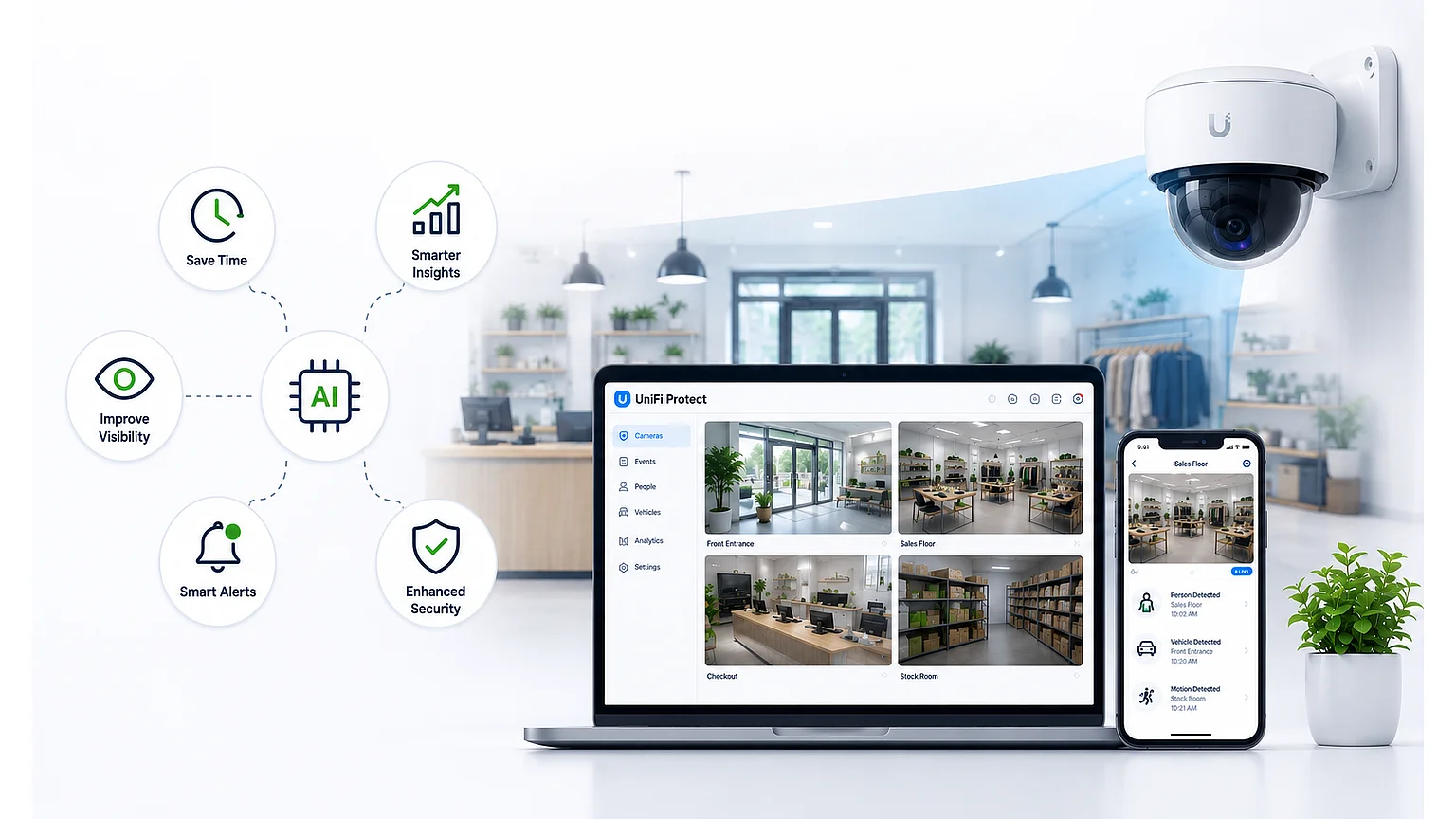
People detection. Vehicle alerts. License plate recognition. UniFi Protect AI cameras do more than record — they give you operational intelligence your competitors don't have.
An AI camera isn't a surveillance tool — it's an operations tool. Most small businesses don't know the difference yet.
Beyond Basic Surveillance
Traditional security cameras record footage you review after something goes wrong. UniFi Protect AI cameras detect, classify, and alert in real time — people, vehicles, animals, and license plates. For a restaurant or retail store, that distinction changes how you use the system entirely.
AI Detection Categories
Count customers entering and exiting. Identify wait times at the counter or host stand. Review occupancy patterns over time to optimize staffing schedules.
Ops IntelligenceParking lot monitoring for restaurants with dedicated parking. Delivery vehicle arrival detection. Alerts when a vehicle has been parked beyond a set threshold.
Lot AwarenessLPR cameras log every plate entering and exiting. Useful for delivery accountability, catering logistics, and after-hours incident documentation.
LPRPeople counting data from AI cameras — averaged over 4–8 weeks — shows your actual peak entry times with precision. Cross-referenced against your POS transaction data, this tells you whether your staffing schedule matches your actual traffic pattern. Most restaurants are over-staffed in the wrong hours and under-staffed in the right ones.
UniFi Protect Setup
MKR Systems Approach
Camera systems only work as operations tools when they're positioned correctly, connected to the right network segment, and configured with the right detection zones and alert thresholds. We design the layout, install the hardware, and configure Protect — including smart detection zones for your specific floor plan.
We'll review your space and recommend a UniFi Protect layout — free, no obligation.
📞 Call 888-382-5164 → Check My AddressMKR Systems, Inc. is an authorized Fiserv / Clover reseller and AT&T Business agent serving Los Angeles, Orange, Riverside, and San Diego counties. All analysis, recommendations, and cost models in this article are independently produced by MKR Systems based on publicly available data and our direct operational experience. Pricing and product specifications are current as of publication date and subject to change.
MKR Systems
One local partner for Southern California restaurants & retailers.