Compliance & Security
Enterprise Security Infrastructure for Small Business — Without Enterprise Pricing
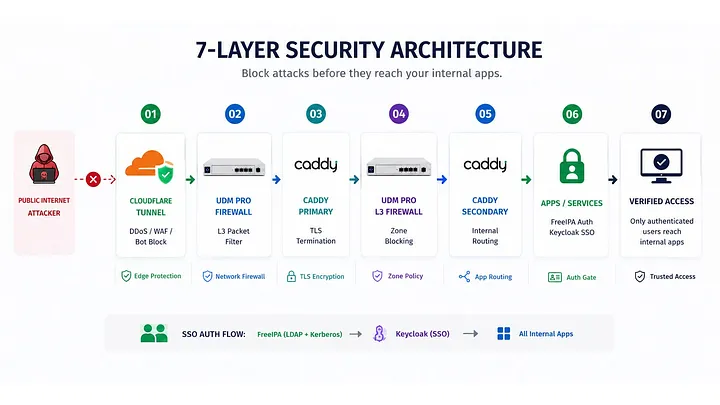
7-layer enterprise security — Cloudflare Tunnel, UDM Pro, Proxmox, FreeIPA SSO, and Zero Trust principles. Built for ...
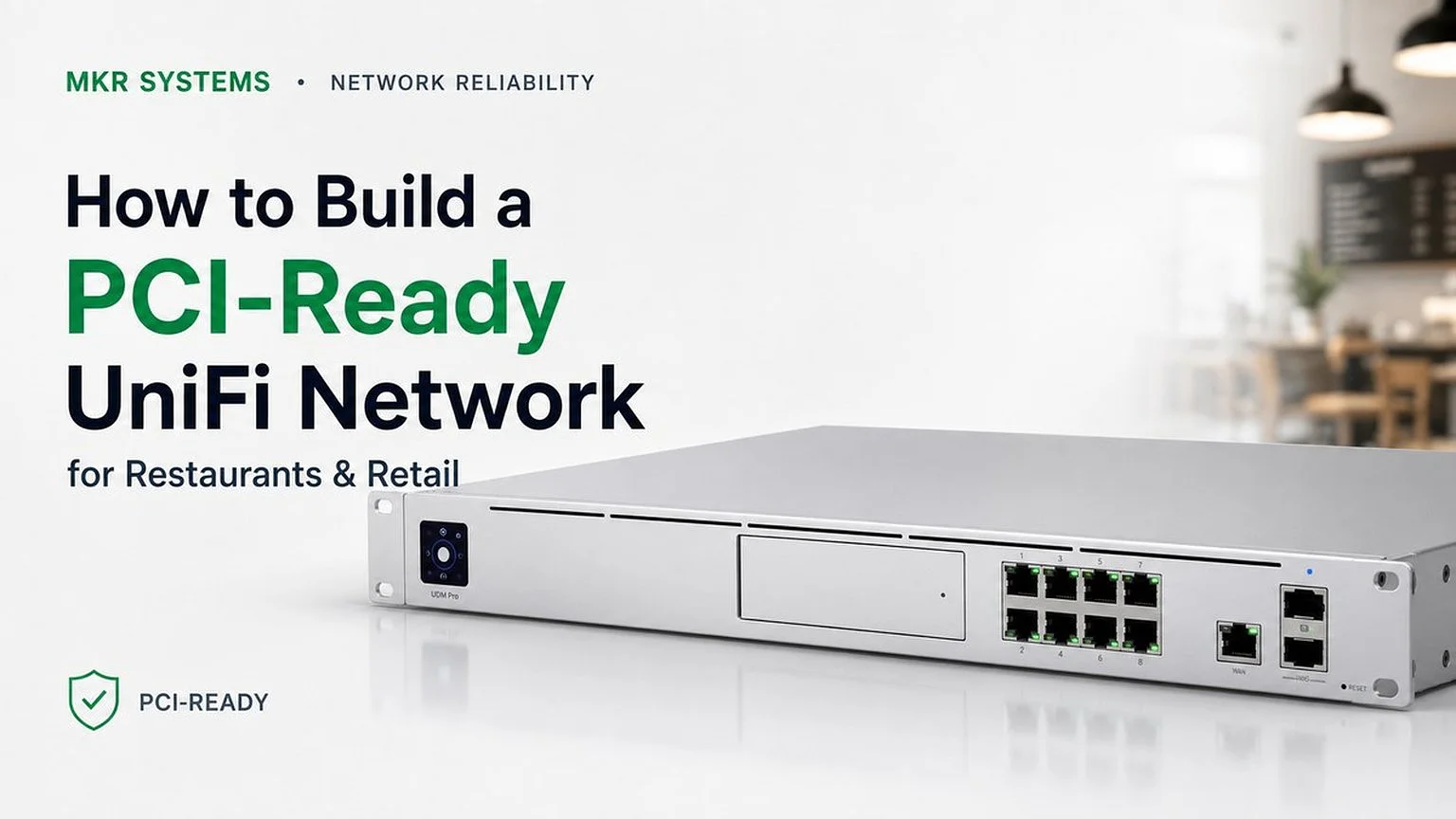
POS VLAN. Guest VLAN. Camera VLAN. PCI compliance isn't a form — it's a network structure. Here's exactly how to build it with UniFi.
PCI compliance isn't a document you file — it's a network you build. Most restaurants don't have it.
Why Network Structure Matters
Most small restaurants and retail stores run their POS, guest Wi-Fi, security cameras, and staff devices on the same flat network. This fails PCI DSS requirements and exposes card data to unnecessary risk. The fix isn't expensive — it's architectural.
The 3-VLAN Structure
Clover terminals, card readers, receipt printers. Isolated from everything else. Internet-only egress — no access to other VLANs. Firewall rules enforced at the switch level.
PCI ScopeCustomer-facing wireless. Completely separated from POS and internal staff network. Rate-limited. No inter-VLAN routing allowed.
IsolatedUniFi Protect cameras and NVR. Separate from POS and guest. Local-only NVR access — cameras don't reach the internet unless cloud backup is explicitly configured.
Local OnlyThe Payment Card Industry Security Standards Council requires that cardholder data environments be segmented from other network traffic. A flat network — where POS and guest Wi-Fi share the same subnet — fails this requirement by design.
UniFi Implementation
MKR Systems Approach
VLAN design, firewall rules, switch profiles, and wireless configuration are handled together. We document the network topology so you have a record for your PCI Self-Assessment Questionnaire (SAQ). No guesswork — structure first, compliance follows.
We'll assess your current VLAN structure and identify gaps — free, no obligation.
→ Request Network Review ↓ Download UniFi PCI VLAN ChecklistMKR Systems, Inc. is an authorized Fiserv / Clover reseller and AT&T Business agent serving Los Angeles, Orange, Riverside, and San Diego counties. All analysis, recommendations, and cost models in this article are independently produced by MKR Systems based on publicly available data and our direct operational experience. Pricing and product specifications are current as of publication date and subject to change.
Yes. Mixing POS traffic with guest Wi-Fi on one flat network creates security exposure. MKR isolates the POS on its own VLAN, rate-limits guest Wi-Fi, and keeps cameras on a separate local-only VLAN — the core of a PCI-aware design.
UniFi provides the building blocks — VLAN segmentation, firewall rules, and Suricata-based Intrusion Prevention on a UDM Pro. MKR configures the network to be PCI-aware and documents it; your QSA certifies formal compliance.
Threat Management (Intrusion Prevention) enabled, inter-VLAN firewall rules, per-VLAN DNS filtering, and alert routing — none of which are on by default in a stock UniFi install.
MKR Systems
One local partner for Southern California restaurants & retailers.